
Project settings
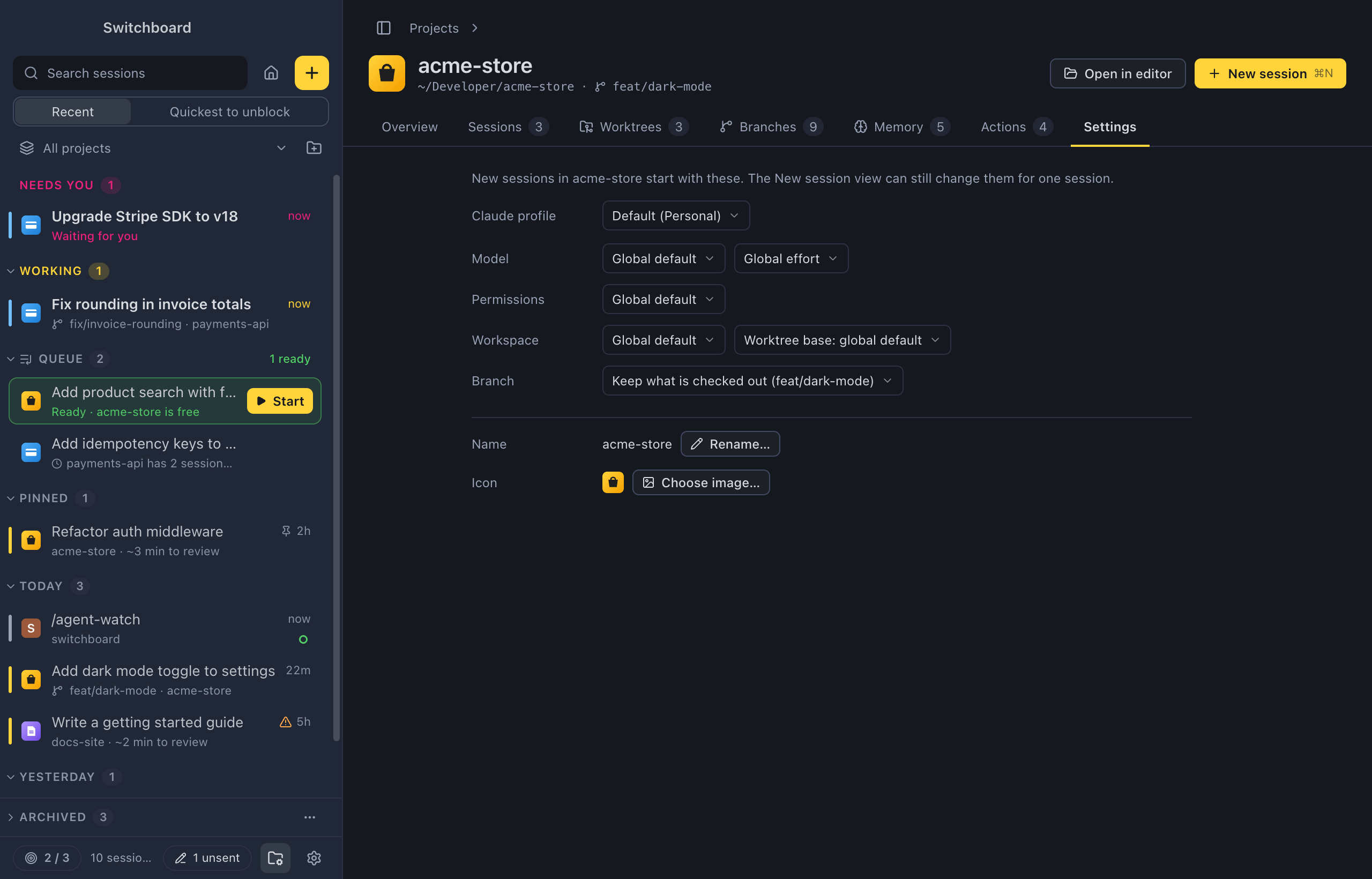
Set a project’s defaults once, and every new session in it starts the way you want, such as on your work account in a new worktree. The Settings tab of a project’s page holds what new sessions in the project start with: the Claude profile, model, effort, permission mode, workspace and branch. It also holds the project’s name and icon in Switchboard.
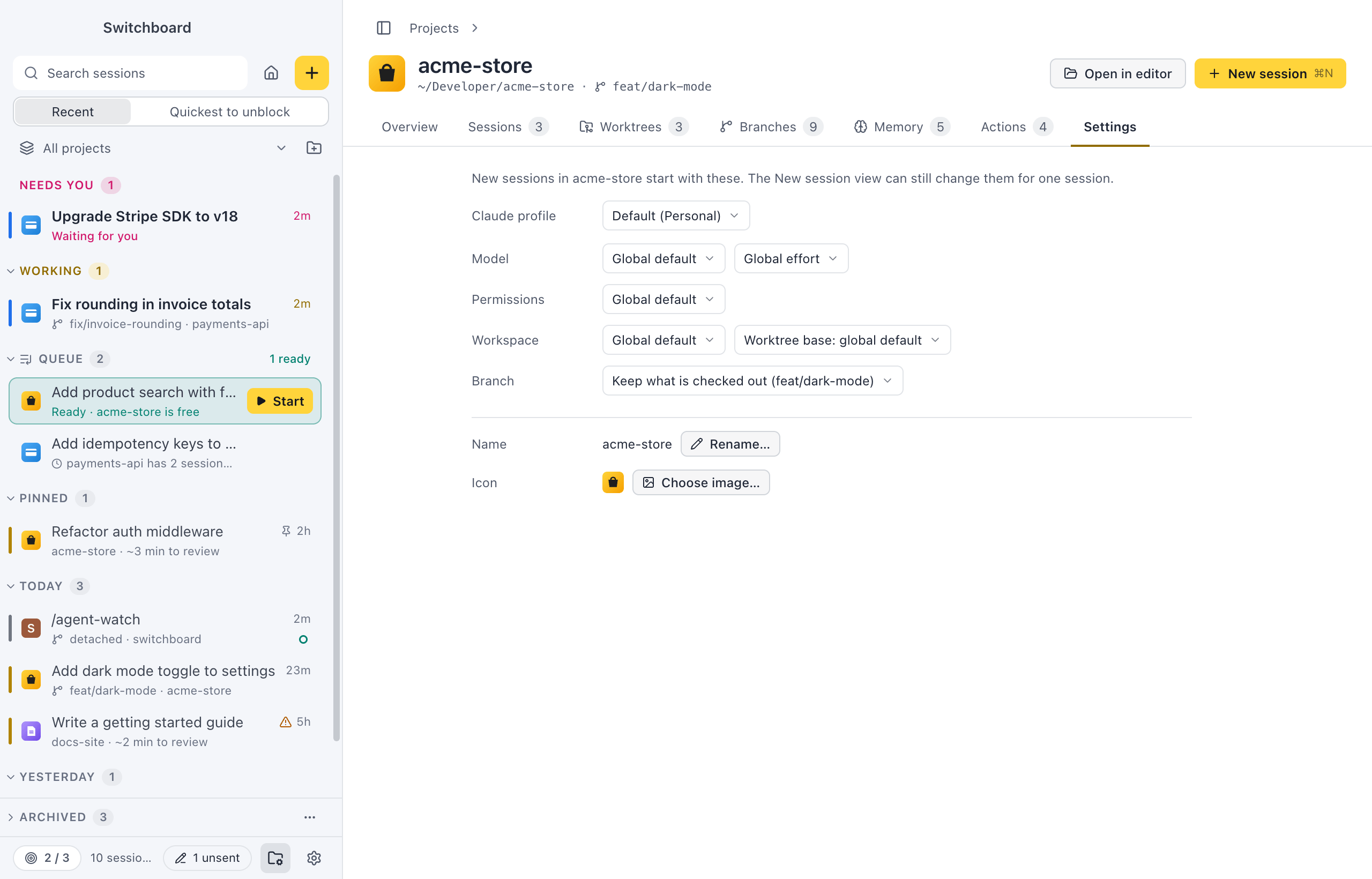
Open it
Section titled “Open it”- Click Settings on a project’s page.
- Choose Project settings… in a project’s menu in the sidebar or the Projects view.
- After adding a project, Switchboard opens it on this tab.
How to use it
Section titled “How to use it”Every change saves at once. The New session view starts from these choices; you can still change them there for one session, or click Save as project default there to save them here.
Claude profile
Section titled “Claude profile”With more than one Claude profile, Claude profile picks the account new sessions in this project use. Default follows the default profile. You can also link a profile from the project’s menu in the sidebar, under Claude profile.
Defaults for new sessions
Section titled “Defaults for new sessions”| Row | Choices |
|---|---|
| Model | A model, Auto (Haiku picks from the first prompt, see Auto model), or Global default. Next to it, an effort level, or Global effort. Queued prompts on Auto are routed when they start, not when you add them. |
| Permissions | A permission mode, or Global default. |
| Workspace | Current folder, New worktree, or Global default. Outside git, a new worktree can’t be chosen. |
| Worktree base | What a new worktree branches from: Worktree from origin or Worktree from HEAD, or the global default. Shown unless the workspace is the current folder. |
| Branch | For the current folder: Keep what is checked out, or Check out <branch> first. Only in a git repository, and not for a new worktree. |
A field you leave unset uses the defaults of the project’s Claude profile, and else the choices you last made in the New session view, and for Permissions the mode set in Settings → General when there is one. When the profile sets that field, the choice says so, for example Profile default (Opus) instead of Global default. See Models and options and Worktrees.
The Projects view shows a summary of these defaults on each project (“Opus · high effort · worktree”), or, when none are set, Profile defaults or Global defaults, depending on whether the project’s profile has any.
Name and icon
Section titled “Name and icon”- Name: Rename… gives the project a name of its own in Switchboard. The folder on disk keeps its name.
- Icon: Choose image… picks an image file. Detect automatically goes back to the icon found in the repository; it shows after you picked your own.
For an emoji or a letter, click the project’s icon in the page header. See Change the icon.
Settings
Section titled “Settings”App-wide settings that affect projects are in Settings → Projects (Project order and Clone from GitHub) and Settings → Claude profiles. See Settings and Claude profiles.
Related
Section titled “Related”- Claude profilesUse more than one Claude account in Switchboard, such as a personal plan and a work one.
- Model, effort and modeThe chips under the message box that set the profile, model, effort and permission mode of a session.
- Auto modelLet Haiku read the first prompt of a new session and pick Haiku, Sonnet or Opus for it. Picked once, shown in the session, easy to undo.
- WorktreesStart a session in an isolated copy of the repository on a branch of its own, like claude --worktree.